HubSpot Quotes for Contractors and Service Companies

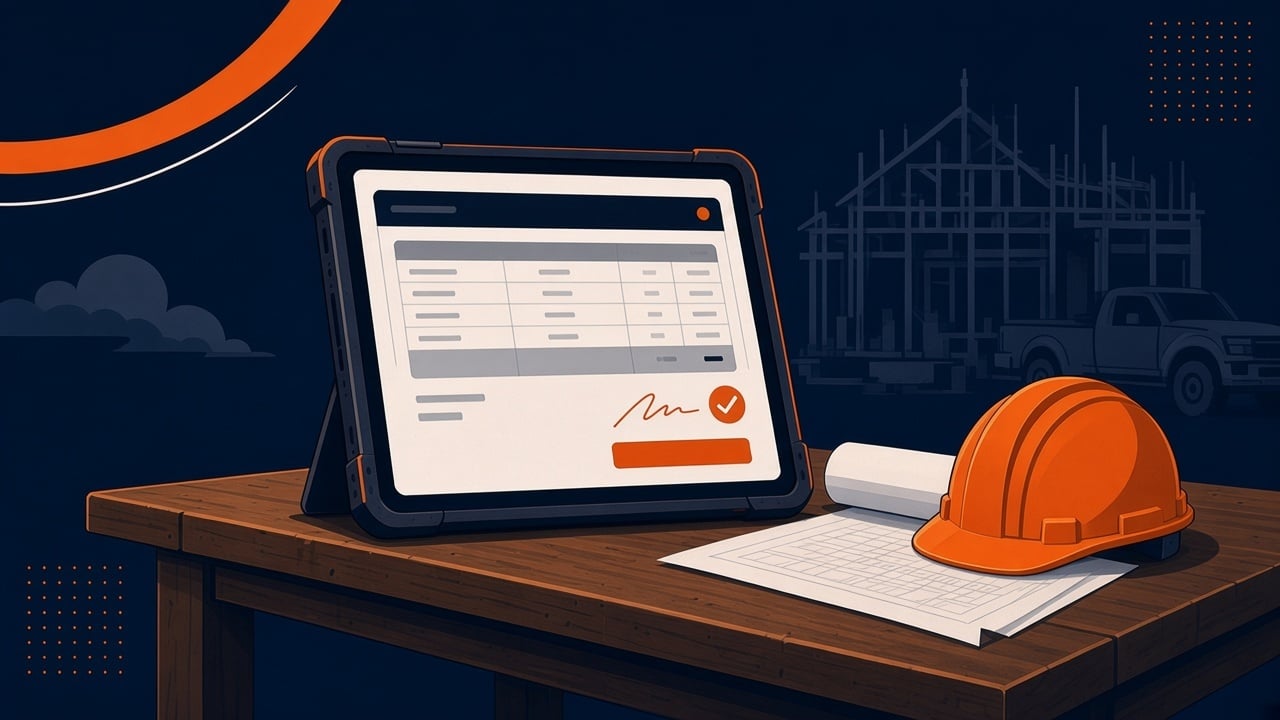
HubSpot quotes turn a deal into a branded bid with line items, terms, an e-signature, and optional online payment. The current quotes tool is part of HubSpot's CPQ and needs Revenue Hub Professional or Enterprise, plus a Revenue Hub seat for anyone who creates quotes. Older accounts may still have legacy quotes, but HubSpot no longer offers them to new users. For a contractor or service company, quotes work best for repeatable work priced from a product library, not for custom takeoffs.
Below is how to tell which version you have, what each one does, and how I would set quotes up for a construction, trades, or home service company.
Which HubSpot quotes tool do you have?
There are now two quoting tools in HubSpot. According to HubSpot's legacy quotes article (last updated September 24, 2026) and its create and send quotes article (last updated October 28, 2026), here is how they compare.
| Question | Legacy quotes | Quotes (Revenue Hub) |
|---|---|---|
| Who has it? | Sales Hub accounts that had it before September 3, 2025, and free accounts that created a quote in the six months before that date | Revenue Hub Professional or Enterprise accounts, and only users with a Revenue Hub seat can create quotes |
| Can a new account get it? | No. Accounts created after September 3, 2025, or that added Sales Hub after that date, can't turn it on | Yes |
| E-signature | Needs Sales Hub Professional or Enterprise and a Sales Hub seat, with a pooled monthly limit (10 per user on Starter and Professional, 30 per user on Enterprise) | The default acceptance method |
| Custom templates | Sales Hub Professional or Enterprise. Free and Starter can only change theme settings like logo, colors, and fonts | Quote templates, with the logo pulled from your quote or account branding settings |
One trap to know before you change seats: if you use legacy quotes and someone assigns you a Revenue Hub seat, you lose access to legacy quotes and legacy quote templates unless a Super Admin turns on legacy quote creation. Check this before anyone upgrades a seat in the middle of bid season.
What can a contractor do with HubSpot quotes?
On the current quotes tool, HubSpot's create and send article lists these features. Most of them map directly to how trades and construction companies bid:
- Create the quote from the deal. The deal owner becomes the quote owner, and line items carry over from the deal.
- Add up to 500 line items from your product library or as custom items, with flat-rate, tiered, or ramp pricing.
- Write a cover letter and your terms, and attach up to 10 files in PDF, DOC, or DOCX format, each up to 30 MB. A scope of work, exported plans, or a warranty sheet can ride along with the bid.
- Show a PO number field, and let the buyer fill it in. That helps on commercial jobs where the GC or owner issues a PO.
- Choose how the buyer accepts: print and sign, e-signature, or accept without signature.
- Collect payment online when the buyer accepts.
- Create quotes automatically with the Create quote action in a deal-based workflow.
HubSpot's quote setup article (last updated October 13, 2026) adds a default expiration period of 1 to 365 days and automated reminders sent a set number of days after the quote goes out or before it expires. For a bid that sits in someone's inbox, those reminders do the follow-up your estimator forgets.
How should a contractor set up HubSpot quotes?
This is the order I work in. The goal is a bid that goes out the same day, looks the same no matter who sends it, and moves the deal when the customer signs.
1. Build the product library around how you price
Quotes are only as fast as your product library. Add the services you sell over and over, like a service call, a standard install, or a per-unit item, with a clear name and price. If you run QuickBooks Online, read my HubSpot QuickBooks integration guide first, because your HubSpot products and QuickBooks items need to match.
2. Keep one quote per bid
HubSpot's quote article says that when a deal has multiple quotes, the deal amount and line items reflect the latest published quote. If you send good, better, and best options as three separate quotes, your pipeline shows whichever one went out last. Put the options on one quote, or create a deal for each option you want to track. My HubSpot for construction guide covers how I set up a bid pipeline around this.
3. Pick the acceptance method by job type
Residential and service work usually fits e-signature with online payment. Commercial work with a PO often fits accept without signature plus the PO number field. Two limits matter here. Online payments need e-signature or accept without signature, so print and sign can't take payment online. And when online payments or billing are on, line item quantities must be whole numbers, which rules out fractional square footage or partial units on a payable quote.
4. Lock down the link on big bids
HubSpot is direct about this: a quote link is public unless the quote requires email verification or a password. Anyone with the link can view and sign it, including anyone the buyer forwards it to. Turn on identity verification for e-signatures, or require a password, before you send a large commercial bid.
5. Move the deal when the quote is signed
Nobody should have to remember to drag a signed bid to won. HubSpot's legacy quotes article gives updating the deal stage when a quote is signed as an example of a quote-based workflow. I build that into every quotes setup, along with a task for whoever schedules the job. My pipeline automation playbook covers the rest of that handoff.
When are HubSpot quotes the wrong tool for a contractor?
Quotes are built for priced line items. They are not an estimating system. I would not force them in these cases:
- Custom bids built from plans or takeoffs. Keep estimating where it lives today and attach the estimate PDF to the quote or the deal.
- Field service shops that already estimate in ServiceTitan, Jobber, or Housecall Pro. Decide which system owns the estimate first. My home service CRM guide walks through that choice.
- Accounts on free or Starter without legacy access. The current quotes tool needs Revenue Hub Professional or Enterprise. Before you upgrade just for quotes, check what you already pay for. My HubSpot cost optimization guide is a good place to start.
HubSpot packaging changes often, so check the current pricing page before you buy anything for quoting.
Frequently asked questions
Are HubSpot quotes free?
Legacy quotes were available on all plans, including free, but HubSpot no longer offers them to new users. The current quotes tool needs Revenue Hub Professional or Enterprise, and a Revenue Hub seat for anyone who creates quotes.
Can customers sign a HubSpot quote electronically?
Yes. E-signature is the default acceptance method on the current quotes tool. On legacy quotes, e-signature needs Sales Hub Professional or Enterprise and a Sales Hub seat, with a pooled monthly limit per account.
Can customers pay when they accept a HubSpot quote?
Yes, when online payments are turned on and the acceptance method is e-signature or accept without signature. Print and sign quotes can't take online payments, and line item quantities must be whole numbers when payments are on.
Can I attach drawings or a scope of work to a HubSpot quote?
Yes. The current quotes tool allows up to 10 attachments per quote in PDF, DOC, or DOCX format, each up to 30 MB. You can mark an attachment as In signing to include it in the e-signature envelope.
Why did my deal amount change after I sent a second quote?
HubSpot says that when a deal has multiple quotes, the deal amount and line items reflect the latest published quote. Put options on one quote, or use one deal per option you want to track.
Is a HubSpot quote link private?
Not by default. A quote link is public unless it requires email verification or a password, so anyone with the link can view and sign it. Turn on identity verification or a password for larger bids.
How long does it take to set up HubSpot quotes?
The timeline comes from the scope: how clean your product library is, which quotes tool you have, and whether you need custom templates, payments, or automation. I review your portal first, then give you a fixed scope with a timeline and one price.
Want quotes that match how you bid?
I set up quotes as part of a fixed-scope HubSpot sales operations project or a full HubSpot implementation. I review your portal, your product list, and how you bid today, then give you one price before work starts. Small fixes to an existing quotes setup can be done as ad hoc work at $150/hr. I work remotely across the U.S., including with companies in Oklahoma and Arkansas. Book a 30-minute call and I will look at how your bids go out today and tell you what I would fix first.
More from the blog
Hiring a HubSpot Partner in Oklahoma or Arkansas
If you run a business in Oklahoma or Arkansas, you do not need a HubSpot partner down the street. You need one who does the work in your portal, ...
Mason Phillips · Oct 28, 2026, 3:37:36 PMHubSpot as a Home Service CRM: HVAC, Plumbing, Roofing
HubSpot can be a strong home service CRM for HVAC, plumbing, electrical, and roofing companies that need better lead follow-up, sales tracking, and ...
Mason Phillips · Oct 28, 2026, 3:35:18 PMHubSpot for Construction: CRM Setup for Contractors
HubSpot for construction works best as the CRM for the front half of the job: leads, bids, follow-up, and repeat work from owners and general ...
Mason Phillips · Oct 28, 2026, 3:30:02 PMWant one person running your HubSpot?
Book a 30-minute call. I will look at your portal and tell you what I would fix first.